
Fast muxing
With unchanged picture settings, FFA FinalMux copies the video stream. Replace audio, select tracks, add soft subtitles and metadata without re-encoding the picture.
Video, voice tracks, subtitles and finishing in one file. Stream copy whenever re-encoding is unnecessary.
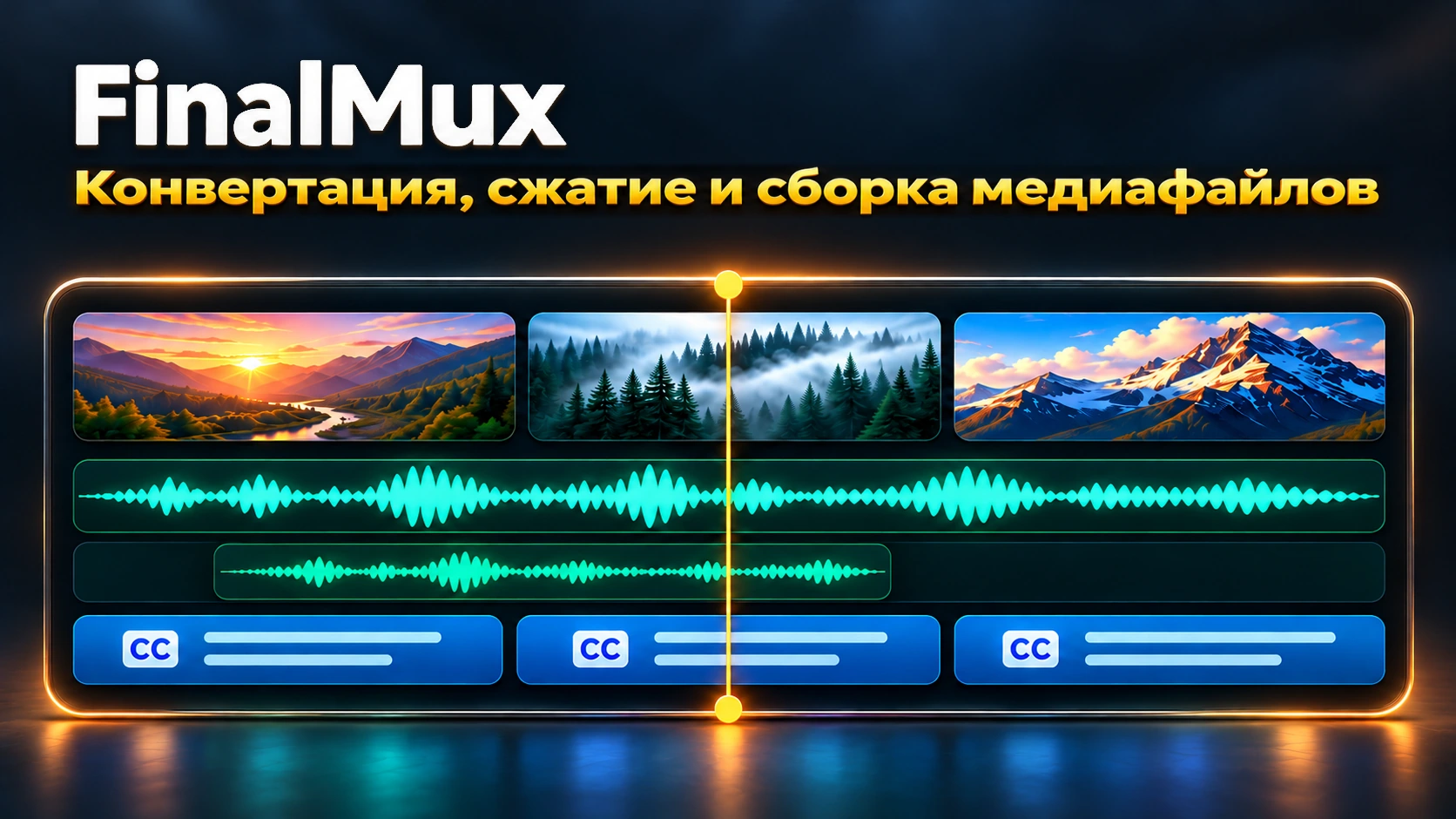
With unchanged picture settings, FFA FinalMux copies the video stream. Replace audio, select tracks, add soft subtitles and metadata without re-encoding the picture.
Original audio tracks appear in the list. Select one for MP4 or several for MKV, add voice tracks and set their names. Keep subtitles selectable or burn them into the picture.
Drag and resize your logo, set timeline intervals and choose entrance and exit animation. Preview everything while playing the video.
Save the entire job as .fmux and reopen it with a double click. Presets keep your settings for future releases.
Resolution, frame rate, codecs, color depth, CBR/VBR, bitrate or target file size. Add an intro, outro or cover image.
FFA FinalMux checks for a new version, downloads the installer and verifies its checksum. Settings and the current job survive the update.